 Search
ProfiCAD Silent Install Guide (EXE Setup)
ProfiCAD Silent Install (EXE) – Step-by-Step Guide
ProfiCAD is professional software designed for drawing electrical and electronic diagrams. It is widely used for electrical schematics, control circuit diagrams, pneumatics, hydraulics, and other technical drawings.
In this guide, you will learn how to perform a ProfiCAD silent install using the EXE installer from the command line.
What is ProfiCAD?
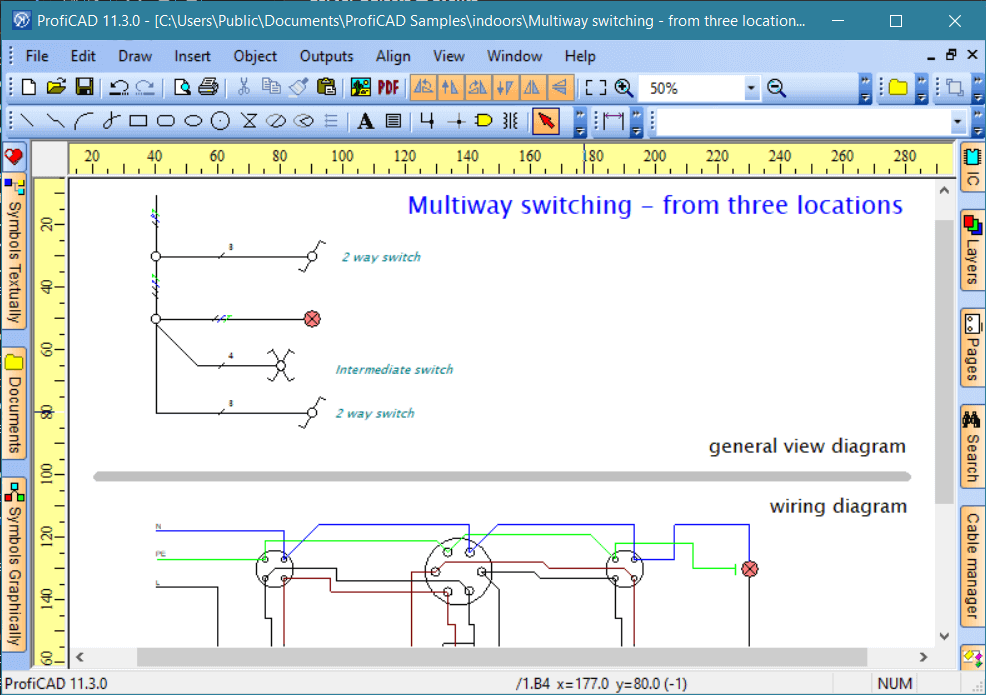
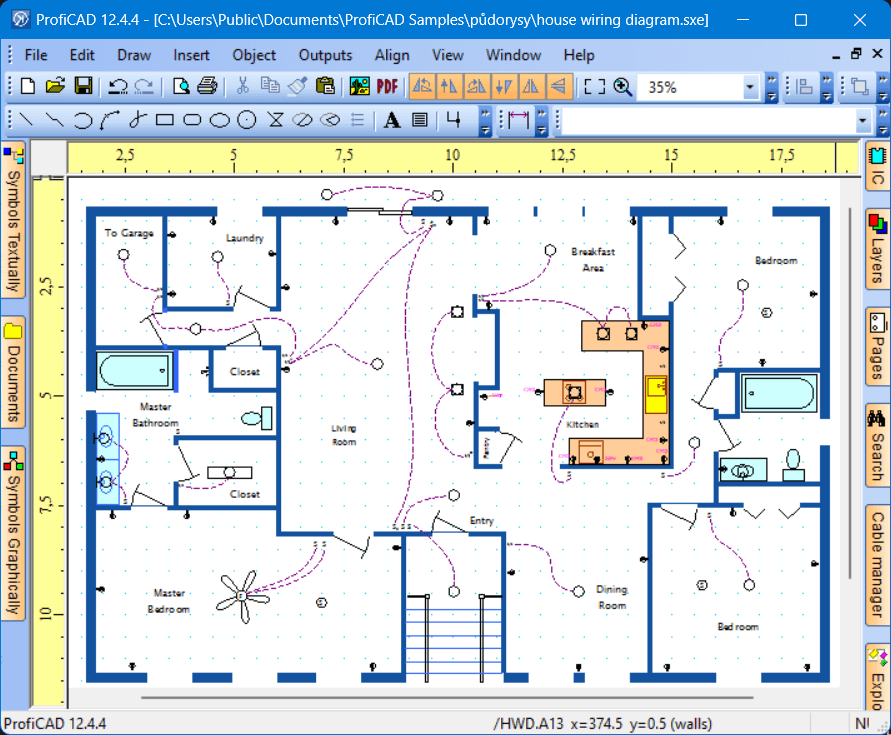
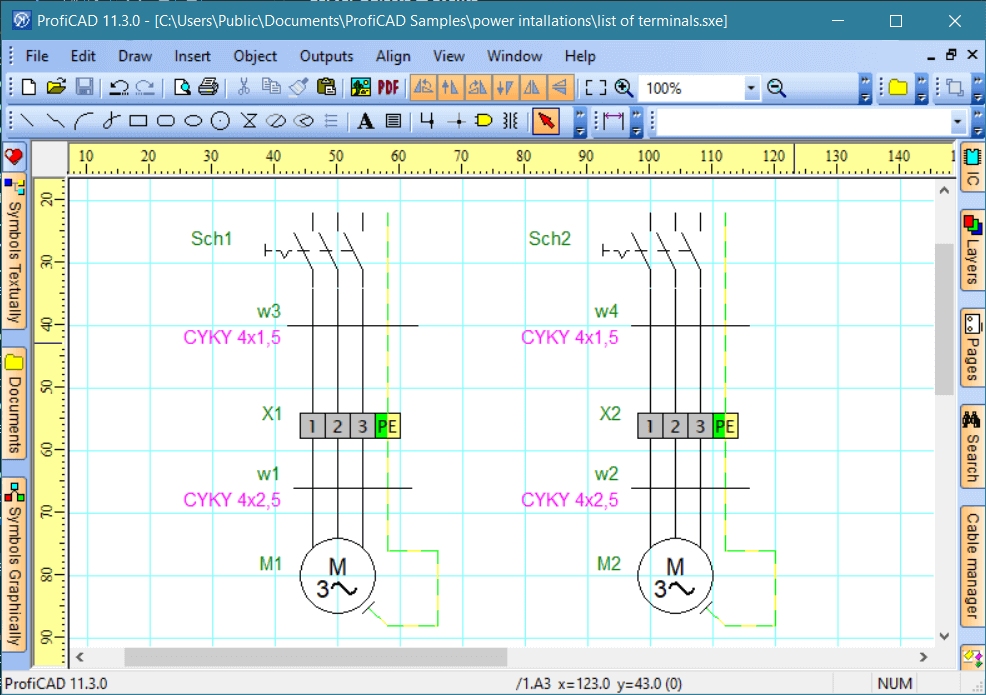
ProfiCAD provides an intuitive interface that simplifies the creation of electrical documentation. It is commonly used for:
- Electrical installation projects
- Electronic circuit schematics
- Control circuit diagrams
- Pneumatic and hydraulic systems
One major advantage for IT administrators is that ProfiCAD supports silent installation, making it ideal for enterprise deployment.
How to Perform a ProfiCAD Silent Install
Follow the steps below to complete a ProfiCAD EXE silent installation.
1️⃣ Download the Installation File
- Download the file named
setup_full.exe - Save it to
C:\Downloads
2️⃣ Open an Elevated Command Prompt
- Click the Start menu
- Right-click Command Prompt
- Select Run as Administrator
Enter the following command:
cd C:\Downloads
4️⃣ Run the ProfiCAD Silent Install Command
Execute this command:
setup_full.exe /VERYSILENT /NORESTART
Parameter Explanation
- /VERYSILENT → Runs the installation without user interface
- /NORESTART → Prevents automatic system restart after installation
Press Enter and the installation will begin in the background.
How to Verify a Successful Installation
After completion, you should notice:
✔ ProfiCAD desktop shortcut appears
✔ Start Menu entries are created
✔ Installation directory exists in Program Files
✔ Listed under Programs and Features in Control Panel
When Should You Use ProfiCAD Silent Install?
Silent installation is especially useful for:
- Enterprise software deployment (SCCM, Intune, GPO, etc.)
- Automated deployment scripts
- Remote system management
- Large-scale IT rollouts
It allows administrators to install ProfiCAD without user interaction.
Click here for training videos.
In this guide, we explained how to perform a ProfiCAD silent install using the EXE installer and command line parameters. By using /VERYSILENT and /NORESTART, you can deploy the software quickly and efficiently in enterprise environments.
If you manage multiple systems, this method will significantly simplify your software deployment process.
Contents