 Search
ProfiCAD vs AutoCAD: Which Is Better for Electrical
ProfiCAD vs AutoCAD: An In-Depth Comparison for Electrical Design
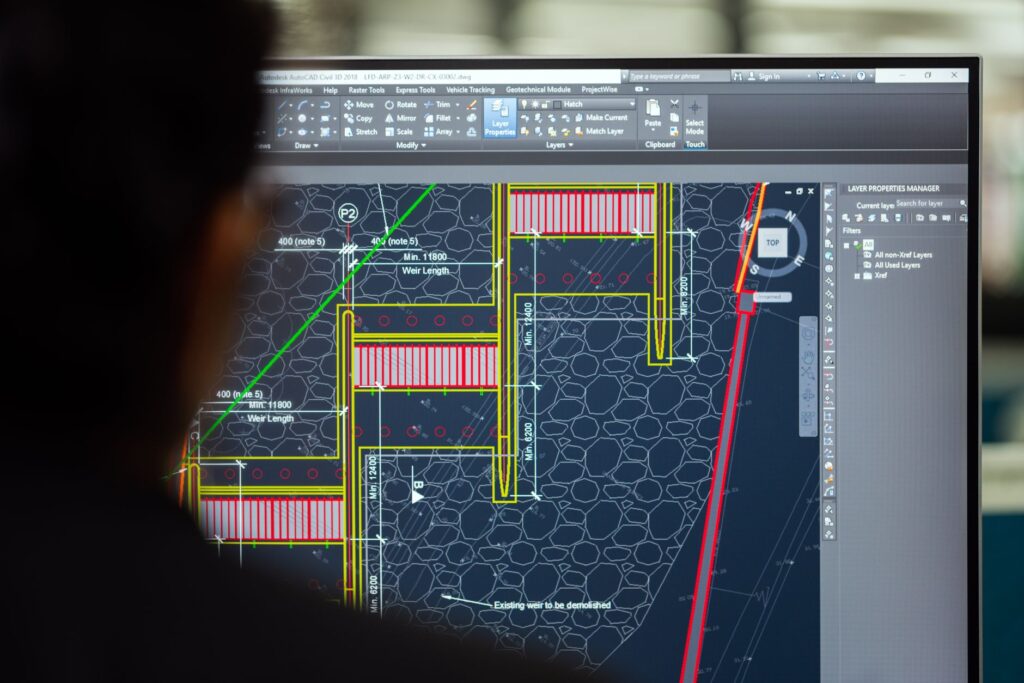
ProfiCAD vs AutoCAD is a common dilemma for electrical engineers and designers seeking the right software. Both tools have dedicated user bases, but they cater to different needs and skill levels. In this comprehensive guide, we’ll break down their features, usability, pricing, and more to help you make an informed decision.
Whether you’re a seasoned professional or just starting out, choosing the right electrical design software can significantly impact your productivity. Let’s dive into what each program offers and see which one aligns with your workflow.
Overview of ProfiCAD and AutoCAD
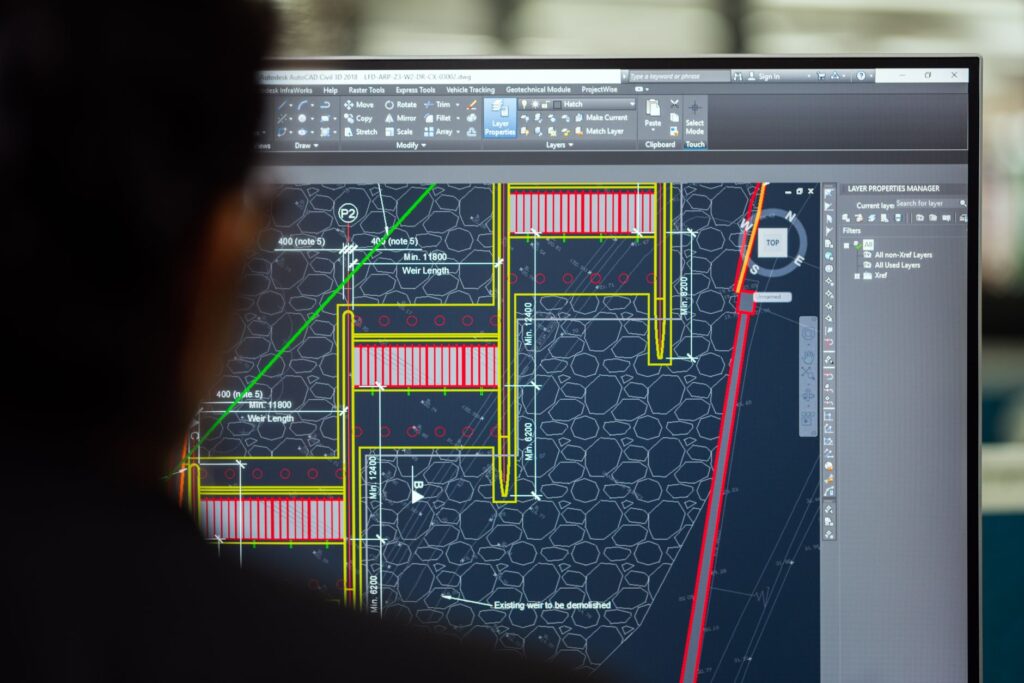
ProfiCAD is a specialized CAD software designed specifically for creating electrical schematics, circuit diagrams, and control systems. It’s lightweight, easy to learn, and comes at a fraction of the cost of full-scale CAD suites. AutoCAD, on the other hand, is a general-purpose CAD platform used across architecture, engineering, and construction. With AutoCAD Electrical, Autodesk offers a tailored toolset for electrical design, but it’s part of a larger ecosystem.
If you’re looking for a dedicated electrical drawing tool, ProfiCAD might be your best bet. But if you need a versatile platform that can handle multiple disciplines, AutoCAD could be more suitable.
Key Features of ProfiCAD
ProfiCAD shines with its extensive library of electrical symbols, automatic wire numbering, and real-time error checking. It supports multiple languages and allows you to generate reports like bill of materials (BOM) and terminal plans. The interface is intuitive, making it ideal for quick schematic creation without a steep learning curve.
Another advantage is its silent install option, which is great for IT administrators deploying software across multiple machines. You can check our guide on ProfiCAD silent install for custom settings.
Key Features of AutoCAD
AutoCAD Electrical provides a comprehensive set of tools for electrical control design, including schematic creation, panel layouts, and PLC I/O diagrams. It integrates seamlessly with other Autodesk products and supports automation through scripting and APIs. However, it requires a subscription and a more powerful computer to run smoothly.
For those who need to collaborate across disciplines, AutoCAD’s interoperability is a major plus. But for pure electrical schematics, it might be overkill.
Ease of Use and Learning Curve
ProfiCAD is praised for its simplicity. Even beginners can create professional-looking electrical diagrams within hours. The software focuses on electrical design, so you won’t be distracted by unrelated features.
AutoCAD, in contrast, has a steeper learning curve. It’s a powerful tool, but mastering it takes time and often requires formal training. If you’re new to CAD, you might find ProfiCAD more approachable.
User Interface Comparison
ProfiCAD’s interface is clean and straightforward, with a ribbon-style toolbar and a canvas that’s easy to navigate. AutoCAD’s interface is more complex, with numerous panels, toolbars, and command-line options. While customizable, it can be overwhelming for occasional users.
Pricing and Licensing
ProfiCAD offers a free version with limited features and a paid version that’s very affordable. The one-time license fee makes it attractive for small businesses and freelancers. AutoCAD operates on a subscription model, which can be costly over time, especially for multiple users.
If budget is a concern, ProfiCAD is the clear winner. However, AutoCAD’s pricing reflects its extensive capabilities and industry-standard status.
Free Trials and Demos
Both software offer free trials, so you can test them before committing. ProfiCAD’s free version is fully functional for small projects, while AutoCAD’s trial is time-limited. We recommend trying both to see which fits your needs.
Performance and System Requirements
ProfiCAD is lightweight and runs smoothly on older hardware, making it a great choice for legacy systems. AutoCAD demands a more powerful machine with a dedicated graphics card and plenty of RAM. If you’re using an old laptop, ProfiCAD is more likely to perform well.
For tips on optimizing your system for design software, see our article on operating systems for old laptops.
Compatibility with File Formats
ProfiCAD supports common formats like PDF, DXF, and its own project files. AutoCAD supports a wide range of formats, including DWG, DXF, and DWF, ensuring compatibility with other CAD programs. If you frequently exchange files with other disciplines, AutoCAD’s flexibility is beneficial.
Which One Should You Choose?
Your choice between ProfiCAD and AutoCAD depends on your specific requirements. If you primarily create electrical schematics and want a cost-effective, easy-to-use solution, ProfiCAD is ideal. It’s perfect for small to medium-sized projects and users who don’t need advanced 3D modeling or extensive customization.
On the other hand, if you work in a multi-disciplinary environment, need advanced automation, or require seamless integration with other engineering tools, AutoCAD Electrical is the better investment. It’s the industry standard for a reason.
Ready to make a decision? Download a free trial of both and see which one feels right. And if you need to share large project files, consider using a reliable File Host like Nitroflare. For more tips on digital tools, check out our portable apps guide.